User experience
Over the years, Microblink has teamed up with their partners to run dozens of tests, adding heaps of wisdom to our in-house team. Along the way, we've discovered some best practices that not only improve user experience but also give conversion rates a boost.
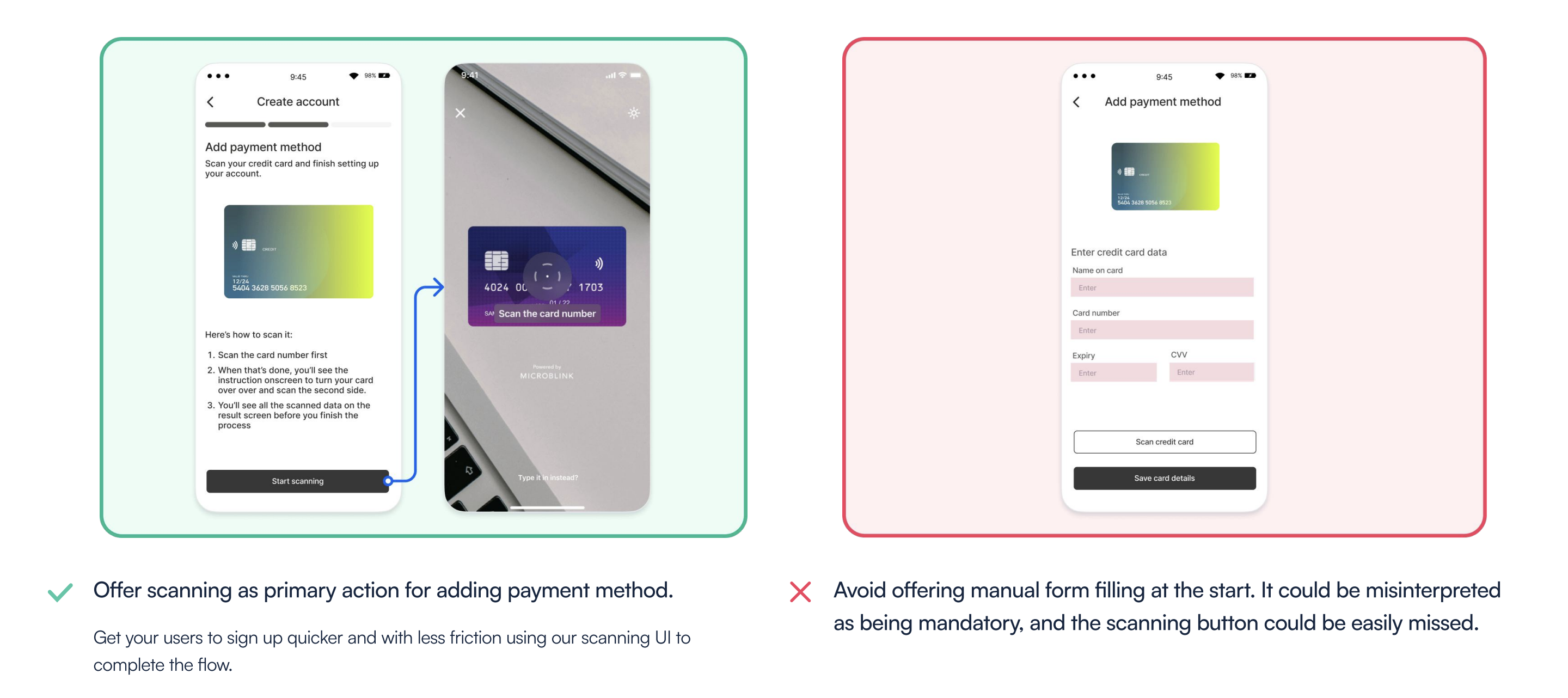
Make scanning a primary action
If feasible, prioritize credit card scanning as the primary method for adding a payment option instead of prominently featuring a manual entry form. Scanning a credit card provides a more user-friendly experience, ensuring accuracy and deterring fraud. Since most users won't have their credit card information memorized, they need to have the card on hand anyway, and scanning it will greatly expedite the entire procedure. You can still offer manual entry as a secondary option on the camera screen.
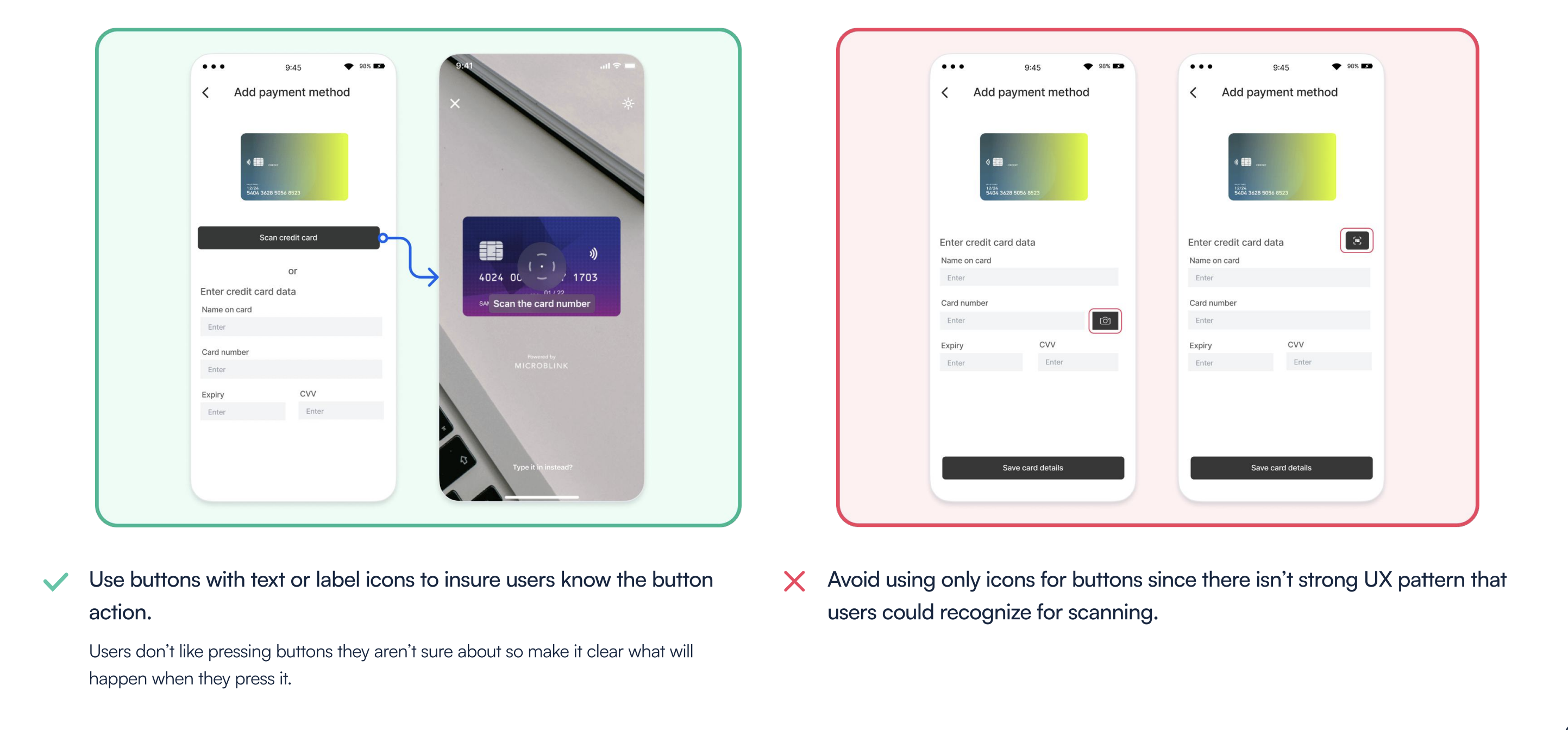
Be careful with buttons
There isn't a universally recognized scanning icon that users can instantly understand. This means that when a button lacks a label or text, users are likely to be unsure about its function. This uncertainty can result in lower conversion rates, as users tend to avoid pressing buttons when they're uncertain about their purpose. Although the camera icon is commonly used, it often results in poor clickthrough rates because users don't realize it will open a screen for card scanning and don’t want to open camera screen.
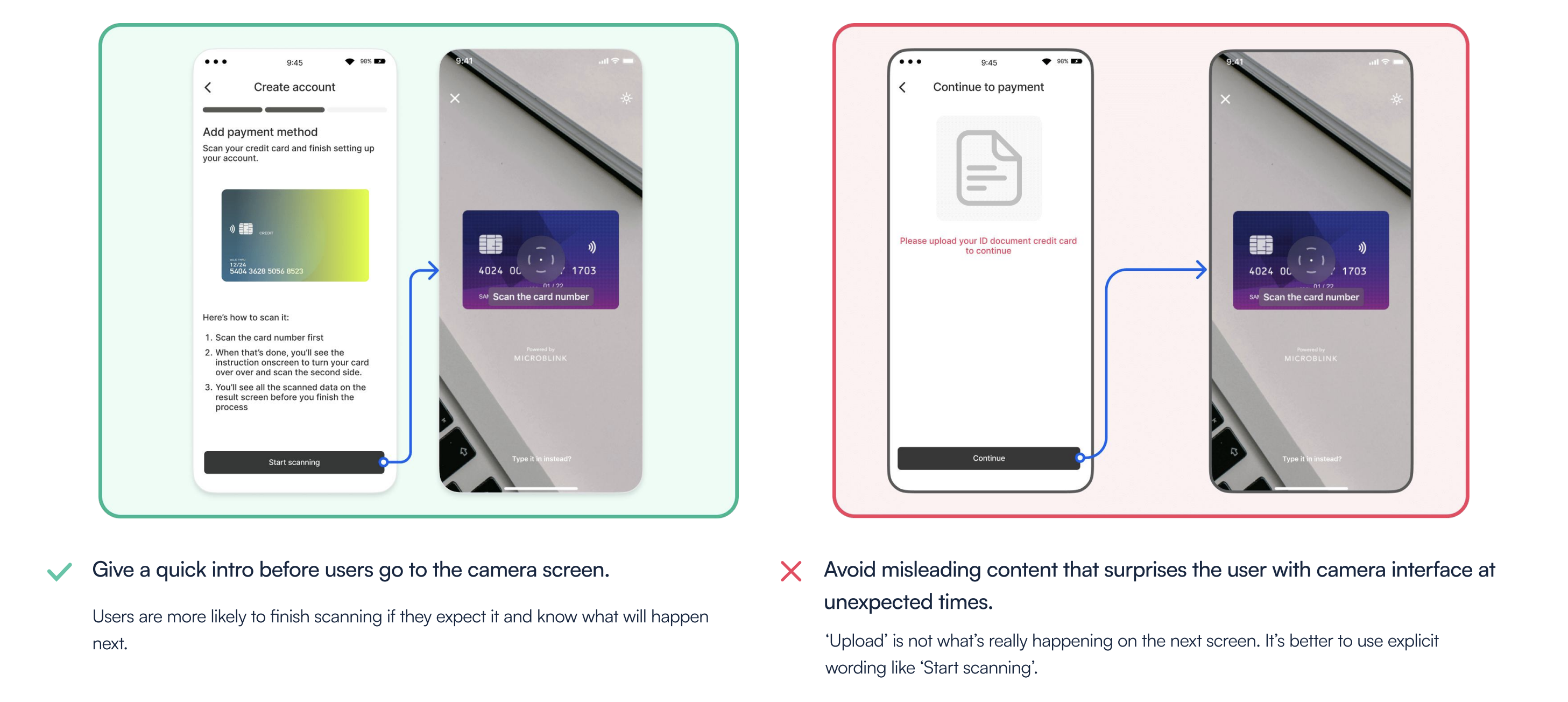
Give a heads up
Scanning is a quicker and more user-friendly process compared to manual typing, but it's not something users do daily. Therefore, it's a good idea to provide users with a heads-up before they access the camera screen. This could be as simple as adding a text to the button or offering a quick onboarding guide explaining what to expect. Since you know your users best, prepare them for this new experience.
Implementing the scanning SDK
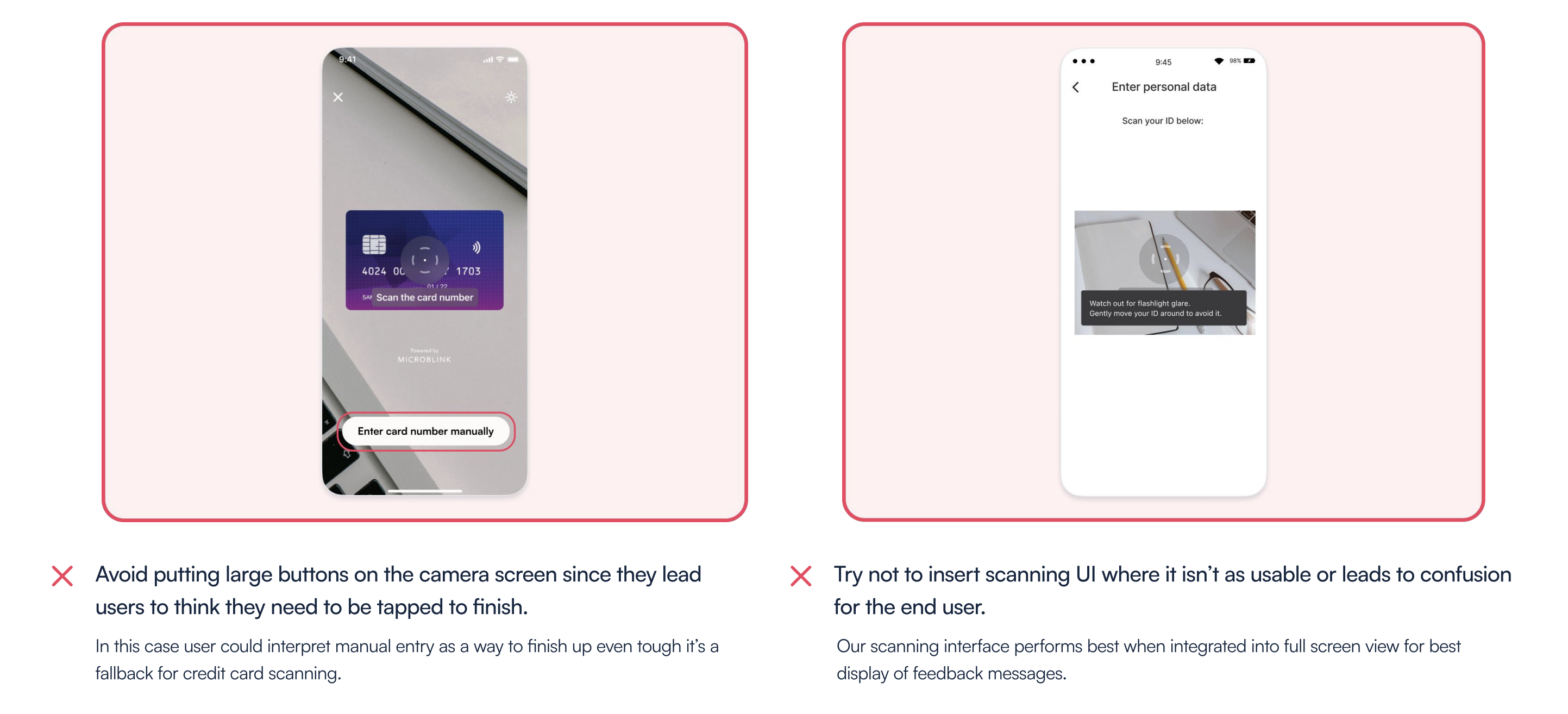
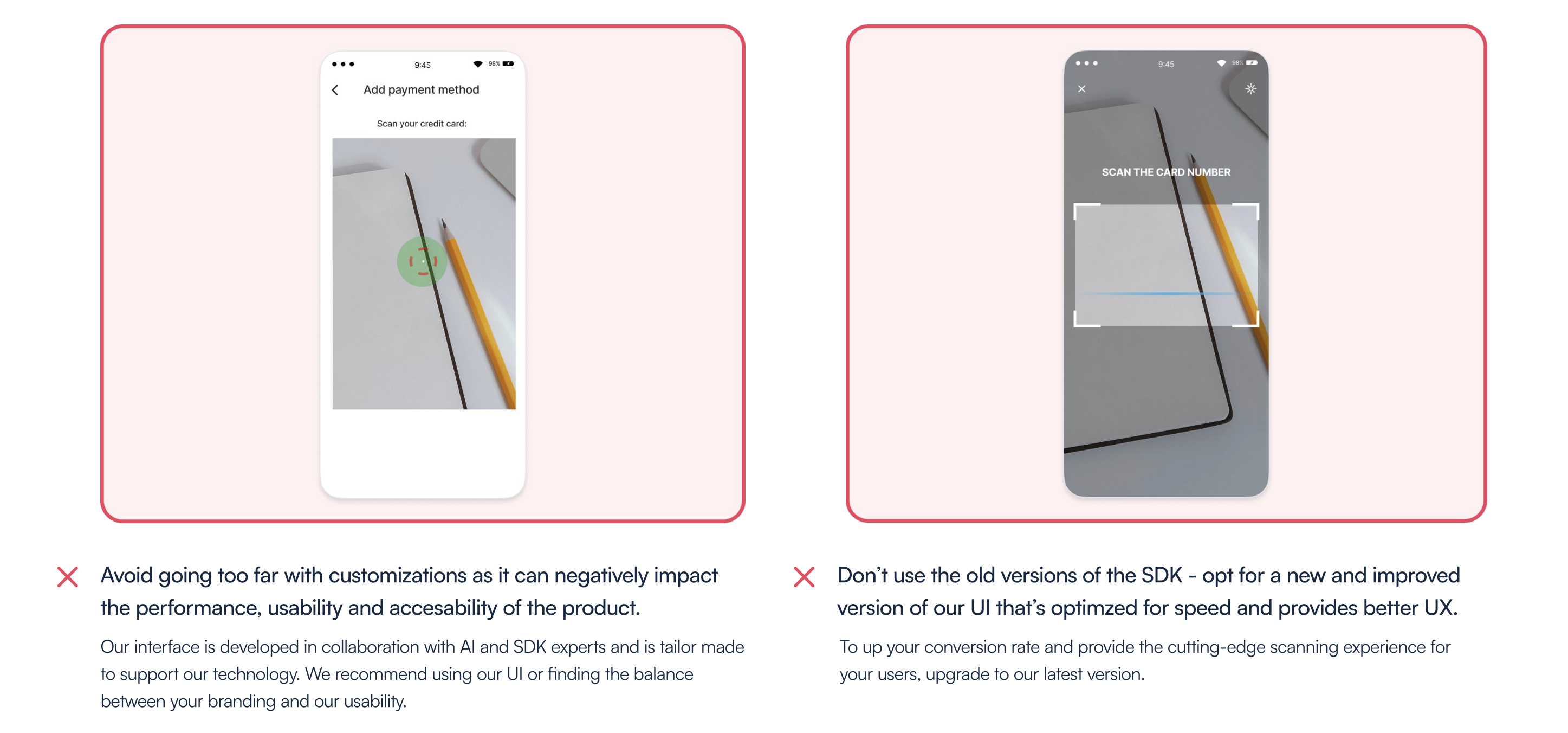
We have extensively user tested all of our SDKs to ensure the best possible experience for both you and your end users. While we recommend sticking with our out of the box UI/UX for the highest conversion rates, there are several ways to customize the SDK to seamlessly integrate it into your app. In this section, we will provide you with a few tips for achieving optimal results with our SDK.
Happy path
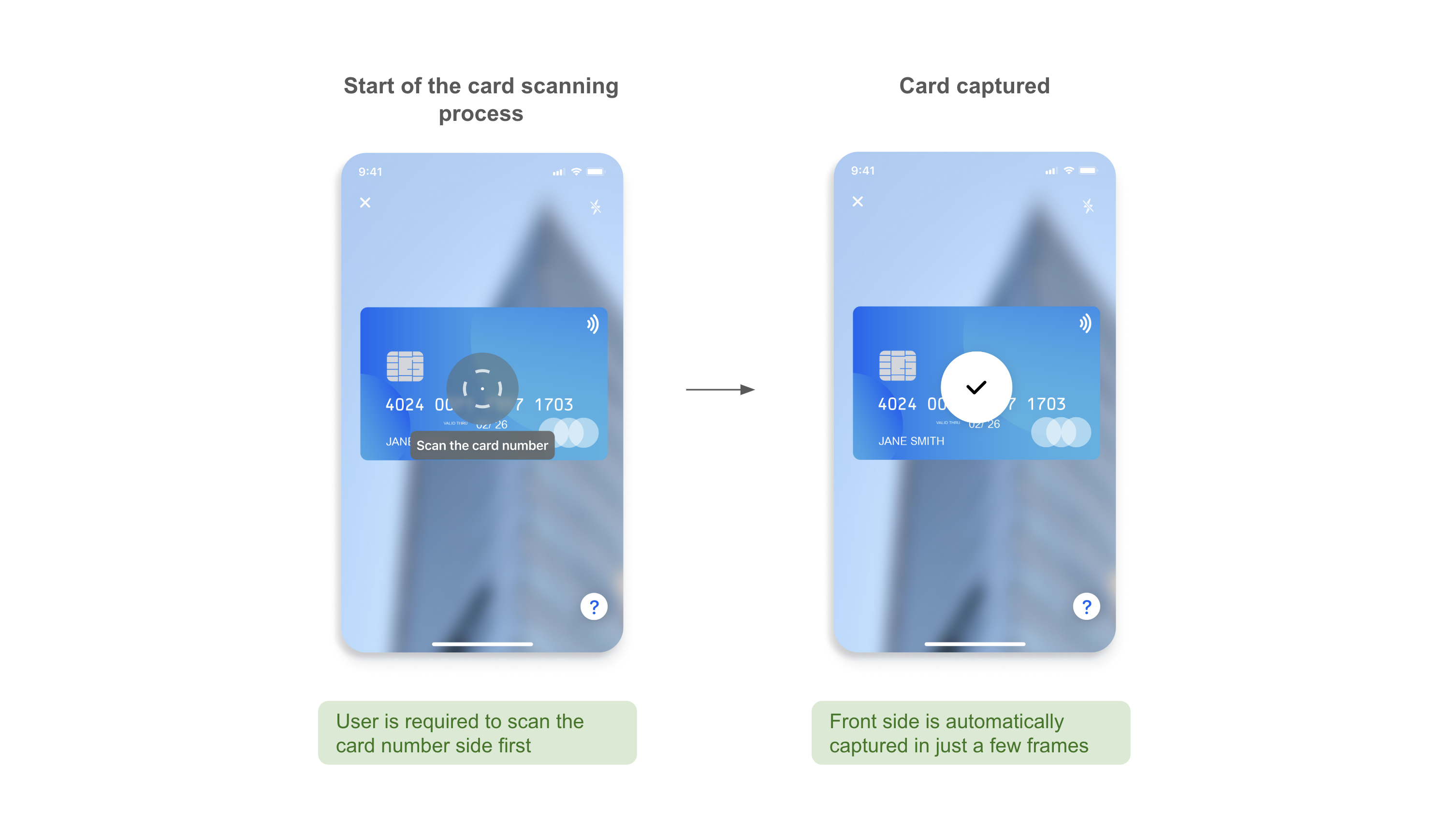
First side scanning process
The experience will always start with scanning the card number side of the payment card
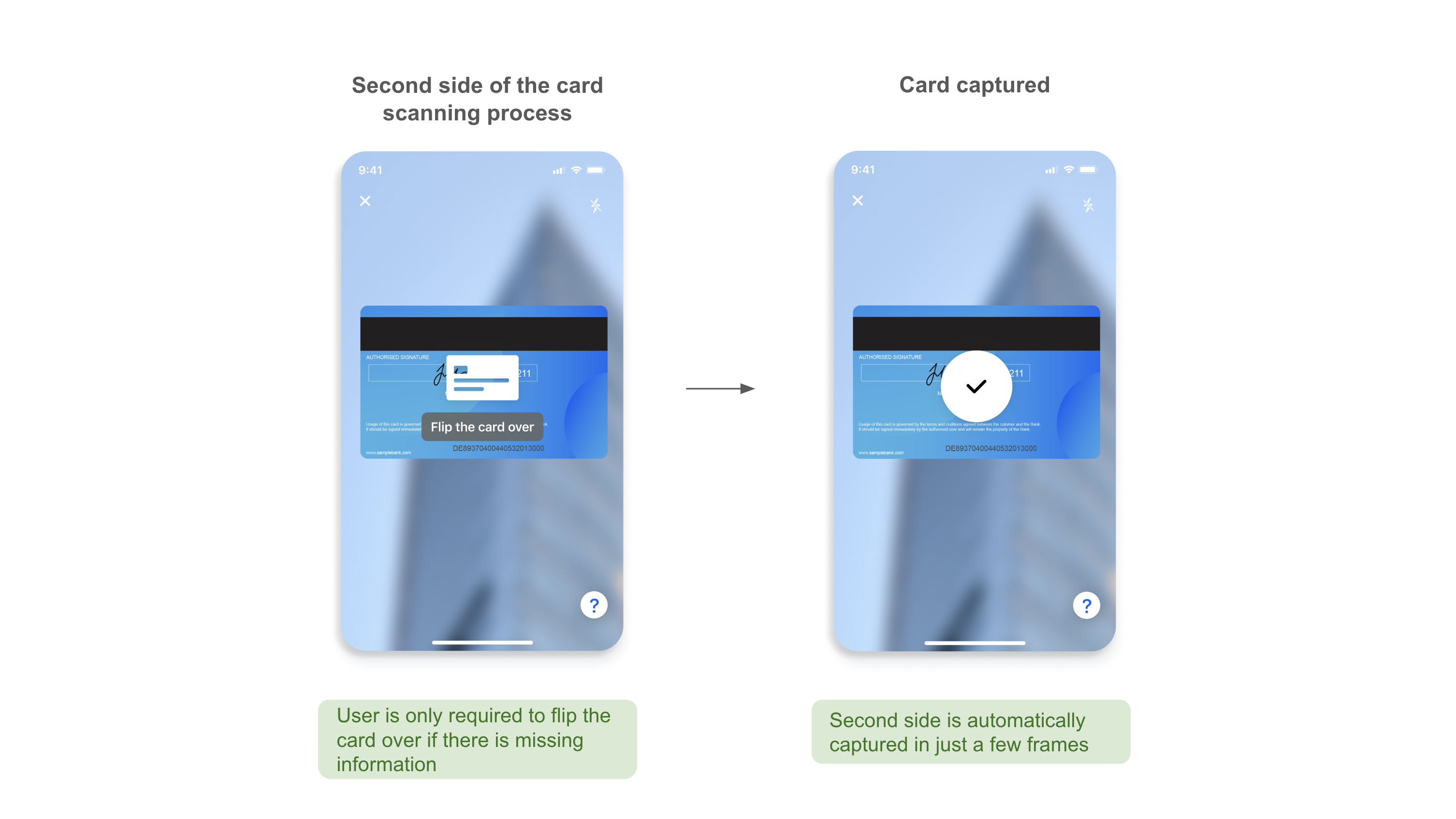
Second side scanning process
If additional information is still needed from the payment card, the user will be guided to flip their card over: